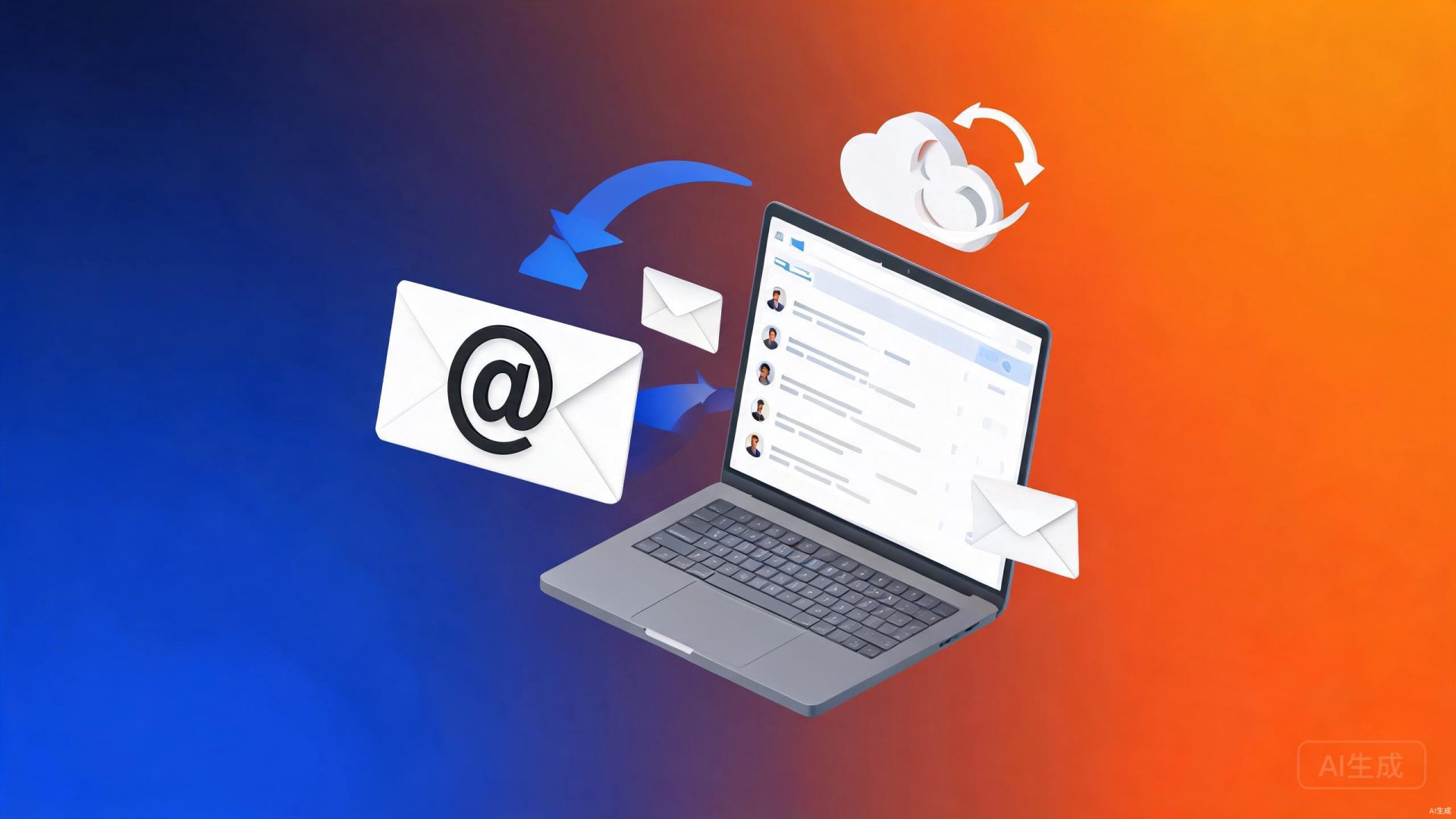
Professional email addresses with corporate domain names (such as name@yourcompany.com) to enhance corporate brand image. Email reception and reception are safe and stable, support multi-terminal synchronization, anti-spam and anti-virus, and smooth global mail reception and reception.
Using free email addresses (such as QQ, 163, and Gmail) for business communication not only seems unprofessional, but may also cause customers to question the strength of the company. enterprise mailbox With the enterprise's own domain name as the suffix, each email is a display of brand image, highlighting the professional strength and formal management of the enterprise.
We offer enterprise mailbox solutions with High stability, high security, high delivery rate Three core advantages. Support unimpeded sending and receiving of emails at home and abroad, intelligent anti-spam and anti-virus filtering rate exceeds 99.9%, and real-time synchronization of multiple terminals (PC/mobile phone/tablet), making corporate communication more efficient, safer and more professional.
Brand image: corporate domain name suffix, demonstrating professionalism and strength
Security and stability: Multi-dimensional security protection, stable and reliable email sending and receiving
Global sending and receiving: Overseas server nodes, international mail is unimpeded
Efficient management: Convenient background management, real-time synchronization with multiple terminals
four major core advantages
Compared with free personal emails, corporate emails have significant advantages in terms of brand image, security, and management convenience.
✨
Brand image improvement
Use the company's own domain name as the mailbox suffix (such as@yourcompany.com), and each email is brand promotion to enhance customer trust and the company's professional image.
Support multi-terminal real-time synchronization of PC client (Outlook/Foxmail), Webmail, and mobile APP (iOS/Android), send and receive emails anytime and anywhere, making mobile work worry-free.
🌍
Global mail sending and receiving
Deploy overseas forwarding server nodes and intelligent DNS resolution to effectively solve the problem of lost letters and delays in international mail, and cross-border business communication is smooth and unimpeded.
opened flow
From domain name configuration to official use, quickly open corporate email services.
01
needs assessment
Confirm the domain name and user requirements, select the appropriate email solution (Standard Edition/Professional Edition/Ultimate Edition), and formulate an activation plan.
02
domain name configuration
Assist in configuring domain name DNS resolution (MX/SPF/DKIM/DMARC records), ensure normal email delivery and receipt, and verify domain name ownership.
03
accounts with
Create a corporate email account, set up organizational structure and department grouping, and configure personalized settings such as mailing lists, aliases, and signatures.
04
training delivery
Provide usage training and operation documents, complete data migration (if required), deliver management back office, and continuously provide technical support services.
Enterprise mailbox vs free mailbox
Data speaks, and corporate emails comprehensively surpass free emails in terms of brand image, security, and management efficiency.
comparative dimension
Free personal email
enterprise mailbox
Mailbox suffix
@qq.com/@163.com等通用后缀
@yourcompany.com企业专属域名
brand image
Appears not professional enough and has low customer trust
Demonstrate corporate strength and enhance customer trust and professional image
safety protection
Basic protection, vulnerability to spam and phishing attacks
Enterprise anti-spam and anti-virus, SSL encrypted transmission, data backup
management function
No management background, no unified control
Department management, email monitoring, alias setting, mailing lists, etc.
Global sending and receiving
Overseas mail is prone to loss or delay
Forwarded by overseas nodes, the international mail delivery rate is over 99.9%
mailbox capacity
Limited capacity, frequent cleaning of emails
Large capacity space, support unlimited storage upgrades
technical support
Universal customer service support, slow response
Dedicated technical support, 7x24-hour response service
function characteristics
Enterprise mailboxes provide rich functional features to meet various needs of enterprises in daily office and business communication.
📬
mass storage
Each account provides large-capacity mailbox space, supports mail archiving and long-term storage, supports the transfer of large attachments, and meets daily business email needs.
🔄
multi-terminal synchronization
Supports IMAP/POP3/SMTP protocol, is compatible with mainstream clients such as Outlook and Foxmail, real-time push from mobile APP, and synchronization between PC/Web/mobile phones.
🚫
Anti-spam and anti-virus
Intelligent anti-spam engine, spam interception rate of more than 99.9%, real-time virus detection and killing, effectively preventing phishing emails, viral emails and fraudulent emails.
👥
organization management
The management backend supports management functions such as department grouping, batch creation of accounts, mailing lists, alias setting, and resignation email transfer, making IT management efficient and convenient.
📋
Email review
Support email review strategies, and you can set rules to review the sending and receiving of specific emails to meet corporate internal control requirements and prevent the leakage of sensitive information.
🔧
API integration
Provide open API interfaces to support integration with enterprise OA, CRM, ERP and other systems, and realize functions such as single sign-on, email push, and unified address book.
open enterprise mailbox trip
Professional corporate email addresses enhance corporate image and ensure communication security and efficiency